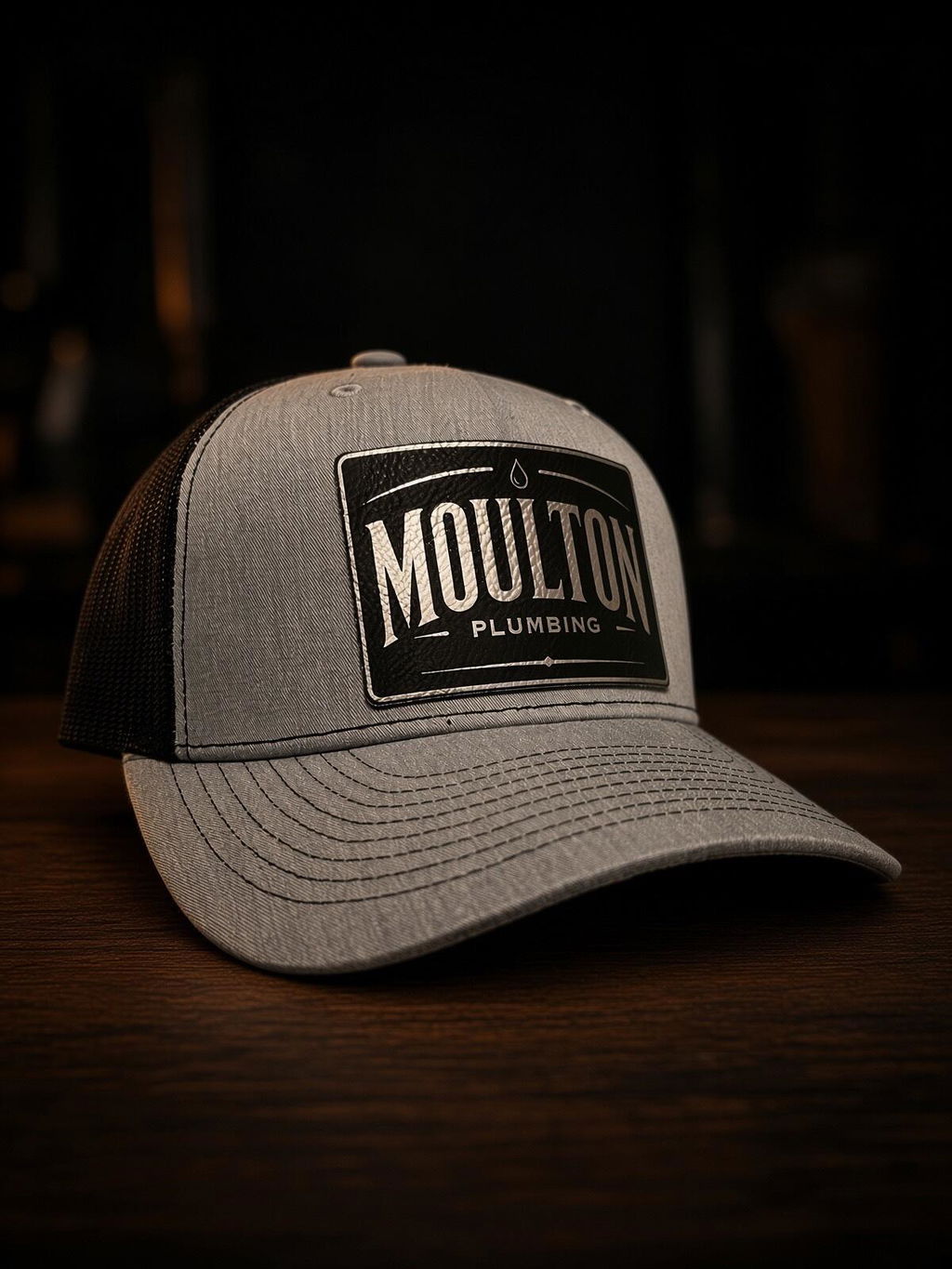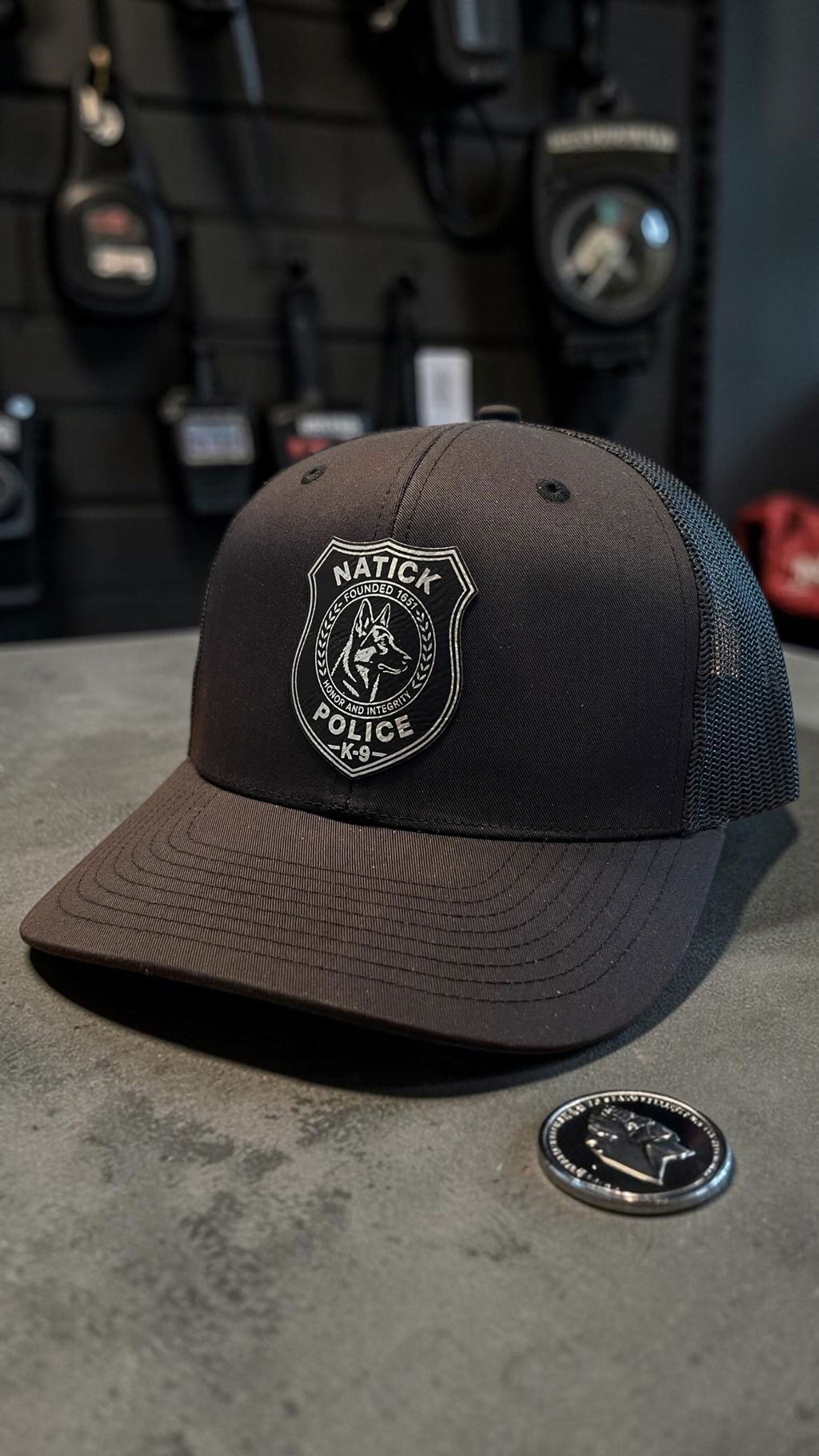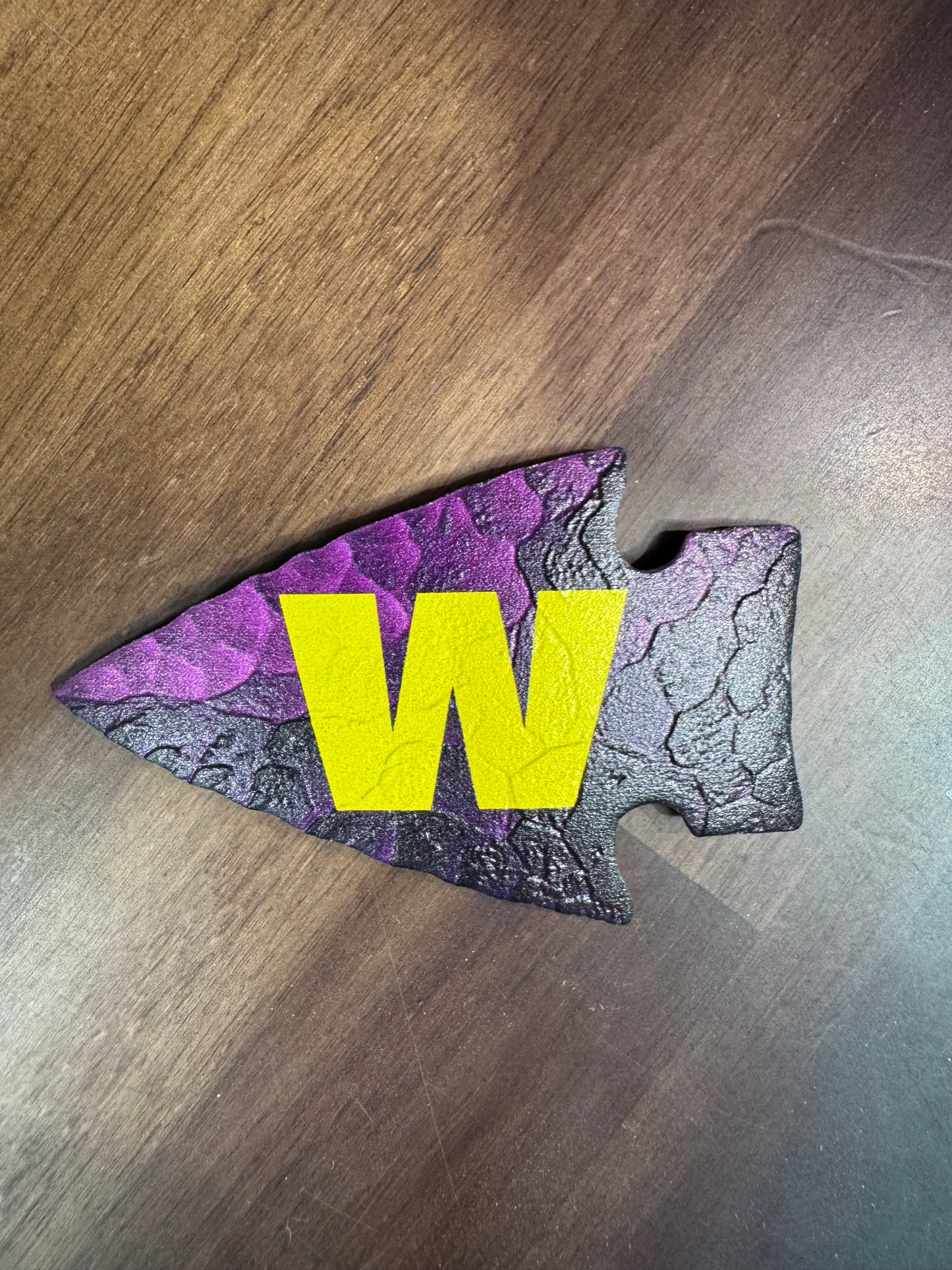
Looking forward to creating a western patch with this
Engraves so nice and makes nice patches
Its not as white as expected, it has a bit of a pinkish brown hue on the surface, but the glow is great.
UV3D patches give brands a high-end, tactile effect that elevates their products, sets them apart from competitors, and makes their customers say “wow” the second they touch them..

Click the shape that best fits your design (e.g., oval, rectangle, circle, square, etc.).
Tip: If your design needs a unique outline, you’ll provide a cut-line with your upload (see Step 7).
Use the Leatherette Color dropdown (e.g., (default-most common) -(White/Black). This controls the patch material color and the contrast.


Under Measurements, type your Length and Width in inches.
Minimum: 1 in per side | Maximum: 4 in per side.
Circles/squares: use the same value for Length and Width (e.g., 2" × 2").
You’ll see a live size summary (e.g., 2 × 3 in) next to the section header.
Your patch will be sized to the longest width/length for best results.
Choose one of the preset tiers (25 / 50 / 75 / 100) or select Custom and enter your exact number.
The page shows your pricing and “You Saved $…” callouts automatically.
Ordering 100+ waives the one-time artwork fee ($15).


Open the Raised Area dropdown and select where you want the UV3D (the raised, textured portion) applied in your design.
Tip: If you’re unsure, add a short note with your upload describing which parts should pop (e.g., “raise the logo text and outline”).
Select MATTE (subtle/satin look) or GLOSS (shiny, high-pop look).
Both protect the print; gloss emphasizes the 3D effect more.
If unspecified where you want the gloss, default will include all raised areas.


Drag-and-drop or click Select Files under Upload Artwork with Cut-line.
(All file types are accepted.)
Best results: upload vector files (PDF/AI/SVG) or a high-resolution PNG (300 dpi+) with transparent background.
If you chose a standard shape above, you can upload art only/we’ll align it to that shape.
NOTE:
If you want a custom outline, include a cut-line path in your file (a distinct/clearly labeled outline in red #255 CMYK).
Add any production notes (colors to match, specific areas to raise, edge preferences) in the upload/comments box if available.
Double-check shape, color, size, quantity, raised area, finish, and price. The price updates automatically based on your choices.
Click Add to Cart and complete checkout. We’ll review your artwork and reach out if anything needs clarification before production.